Why Did My YouTube Thumbnail Download as a Gray Image?
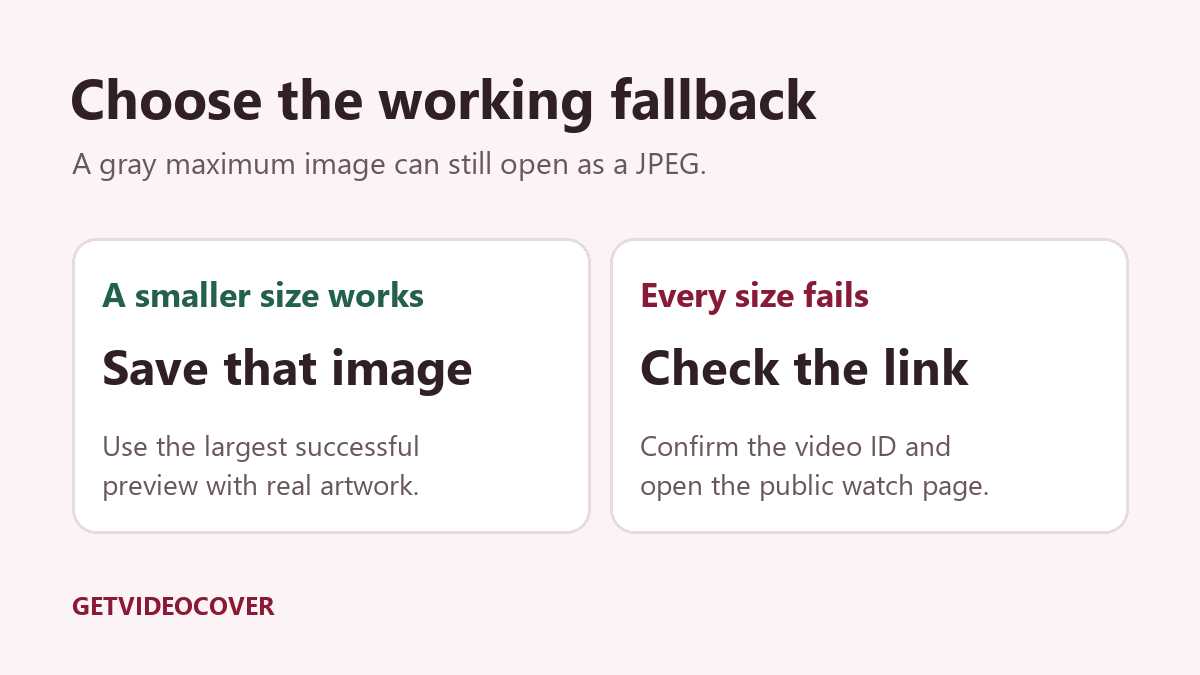
Try a smaller thumbnail from the same video. A missing maximum-size image can return a gray JPEG that your browser can still show or save. Keep the largest version with a successful response and a real preview. If every size returns the placeholder, check the video ID and whether the video is publicly accessible.
What did the same video ID return?
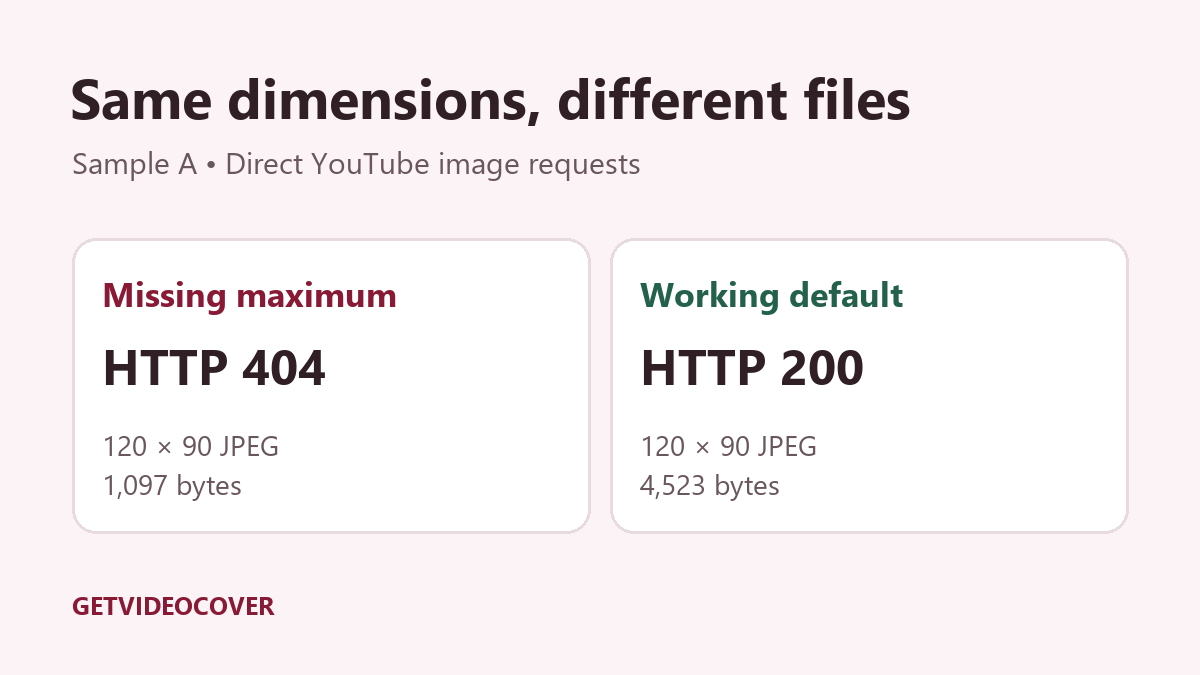
In a direct GET test on November 23, 2026, the maximum and standard URLs for sample A both returned HTTP 404 with a 1,097-byte 120 × 90 JPEG. The high-quality URL for that same video returned HTTP 200 and a 480 × 360 image. The default URL also returned HTTP 200, but measured exactly 120 × 90, the same dimensions as the two missing responses.
That makes the default size a useful control. Filtering out every 120 × 90 file would have discarded a real thumbnail. Checking only whether the browser could decode the JPEG would have accepted the missing maximum and standard variants. The two missing responses had identical bytes, while the real default JPEG was 4,523 bytes and had a different SHA-256 fingerprint.
Sample B provided a second control. Its maximum URL succeeded at 1278 × 720, so a rule that insists on exactly 1280 × 720 would wrongly discard this working file. For the deliberately unused sample ID, all five tested URLs returned the same 404 JPEG. The results describe these requests on the test date. File sizes and response behavior can change.
| Sample | Requested version | HTTP | JPEG pixels | Bytes |
|---|---|---|---|---|
| A | Maximum | 404 | 120 × 90 | 1,097 |
| A | Standard | 404 | 120 × 90 | 1,097 |
| A | High | 200 | 480 × 360 | 15,921 |
| A | Medium | 200 | 320 × 180 | 8,710 |
| A | Default | 200 | 120 × 90 | 4,523 |
| B | Maximum | 200 | 1278 × 720 | 108,323 |
| Unused ID | All five versions | 404 | 120 × 90 | 1,097 each |
How can I check the file before saving it?
Paste the same link into GetVideoCover and check the preview and reported dimensions. For a manual check, open your browser’s Network panel, reload the direct image URL, and look at that request’s status. If the maximum request returns 404, move to Standard, High, Medium, and Default. Save the largest successful version whose preview shows the artwork.
The useful comparison is within the same video ID. One missing size with working smaller sizes points to a variant problem. A gray file across every size gives you a reason to recheck the ID, try the public watch page, and see whether the issue is specific to that video. A network error or a 429 response calls for a retry later before drawing a conclusion.
Will renaming the file or enlarging it fix the cover?
Renaming the gray JPEG or scaling it up preserves the same gray pixels. Download the working fallback for a small card or preview. For a larger design, use a higher-resolution original from the uploader when you have permission.

